Grant 4Winds Support login access to your organization
Allow 4Winds technical support temporary login access to your Salesforce organization when troubleshooting is required.
Follow this steps
- Log in to Salesforce.
- In the upper-right corner, click your avatar and select Settings.
- In Quick Find, search for Grant, then open Grant Account Login Access.
- Set Access Duration for 4winds Support.
- Recommended: set the duration to one month for technical escalations. You can extend it later if needed.
- Click Save.
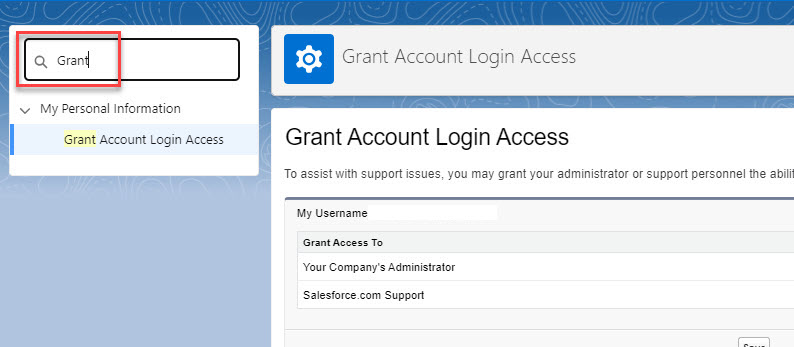
Screenshot: Grant Account Login Access configuration screen
Allow Non-Admin users to grant 4Winds Support login
If a non-admin user needs to grant support login access, follow Salesforce guidance:
TL;DR: Go to Setup → Login Access Policies and configure permissions accordingly.
Security notes
- Grant access only for the time required.
- Prefer temporary access windows (for example, one month).
- Revoke access after the support case is complete.